Native. Fast. Beautiful. Built for your walls.
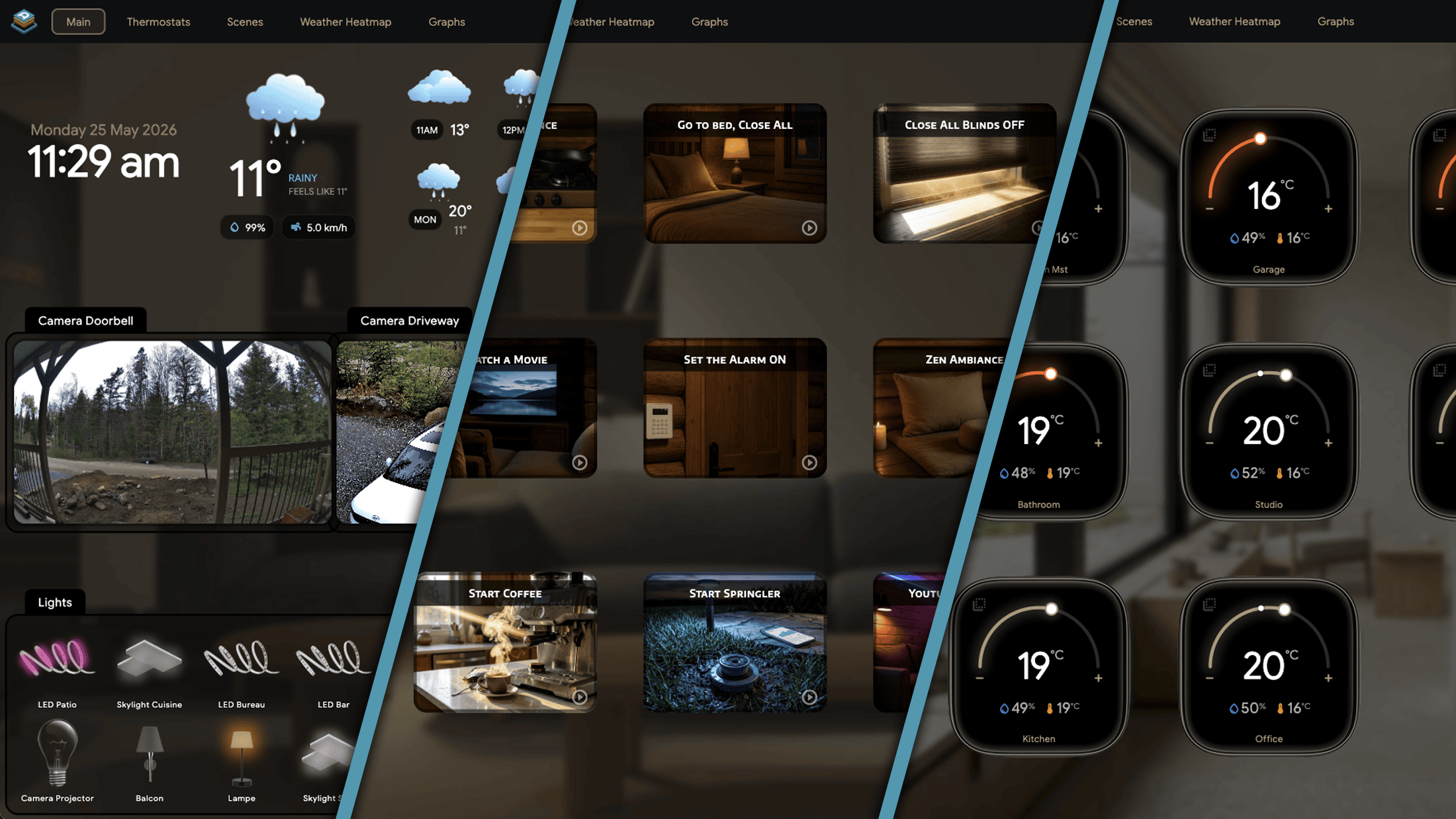
Aureo is the Home Assistant dashboard you should have had three years ago. It renders to the GPU, connects over a single WebSocket, and updates the instant your light turns on.
The HA web Kiosk dashboard runs in a browser. Every tap goes through a render engine, a framework, and a network round trip. Aureo renders directly to the GPU. State changes arrive in sub-millisecond time. Animations run at 60fps on a five-year-old tablet.
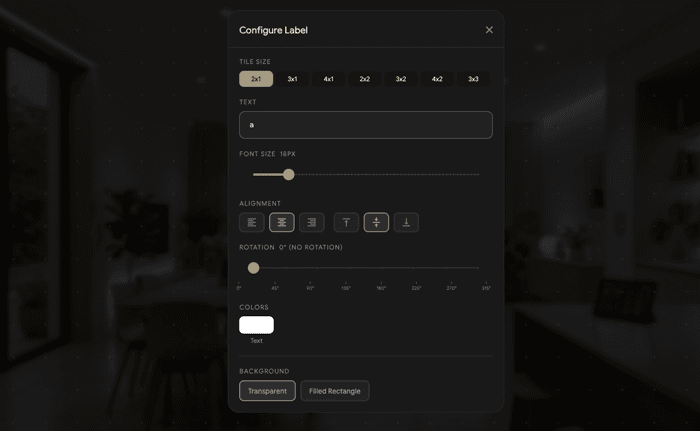
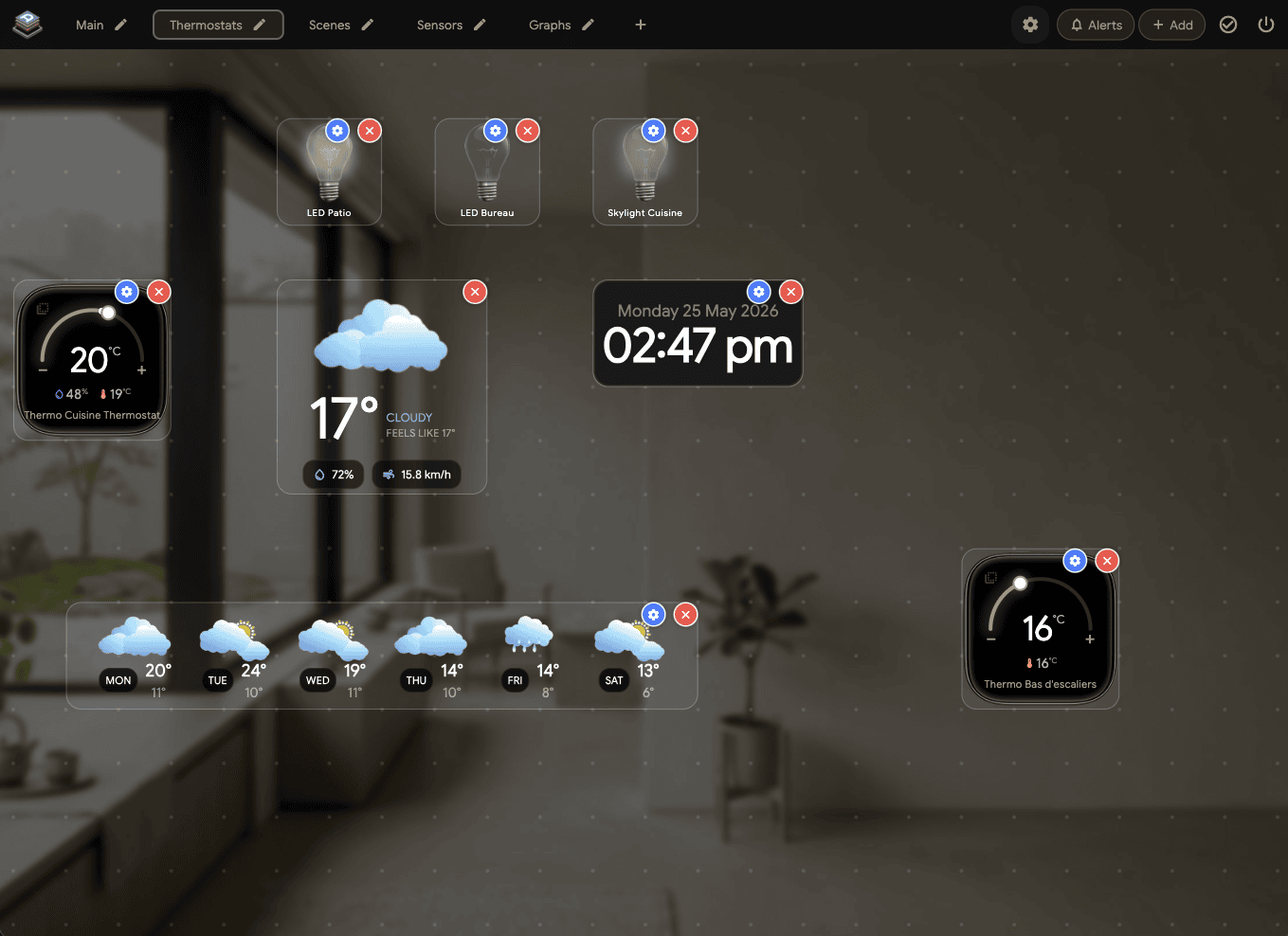
Every tile is configured in-app with a gear popup. No YAML. No config-file editing. Drag, resize, snap to grid.

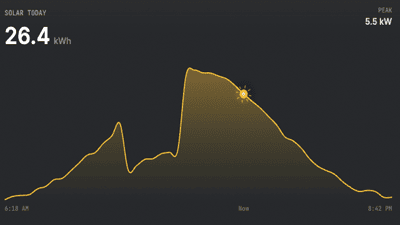
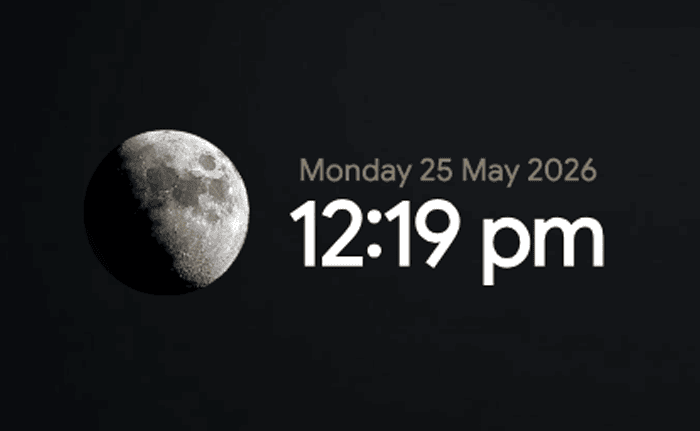
sun.sun.


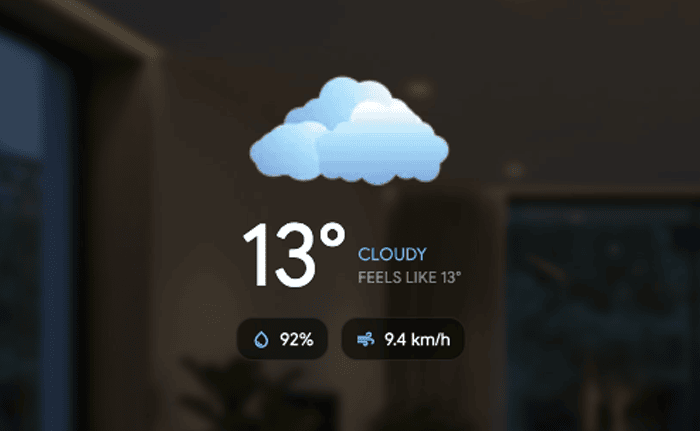
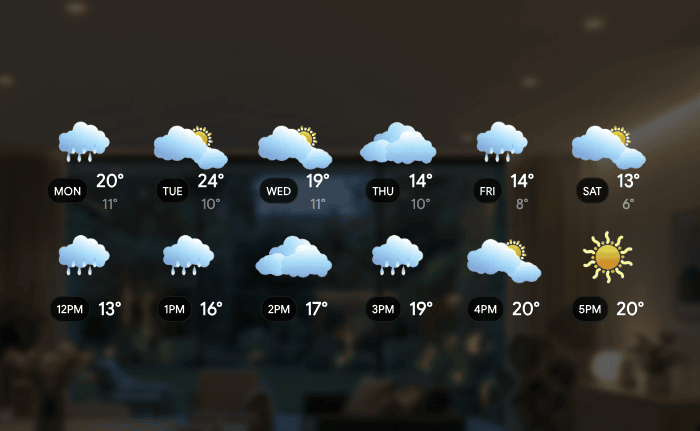
weather/subscribe_forecast API.


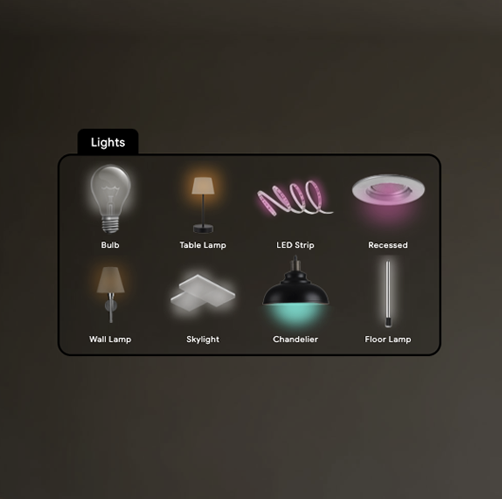
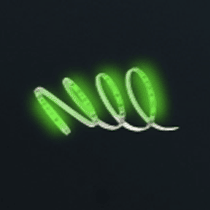
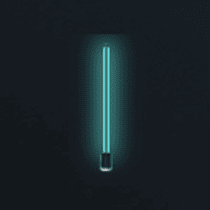
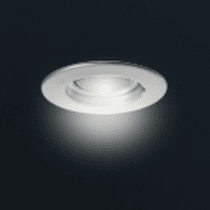
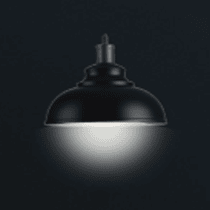
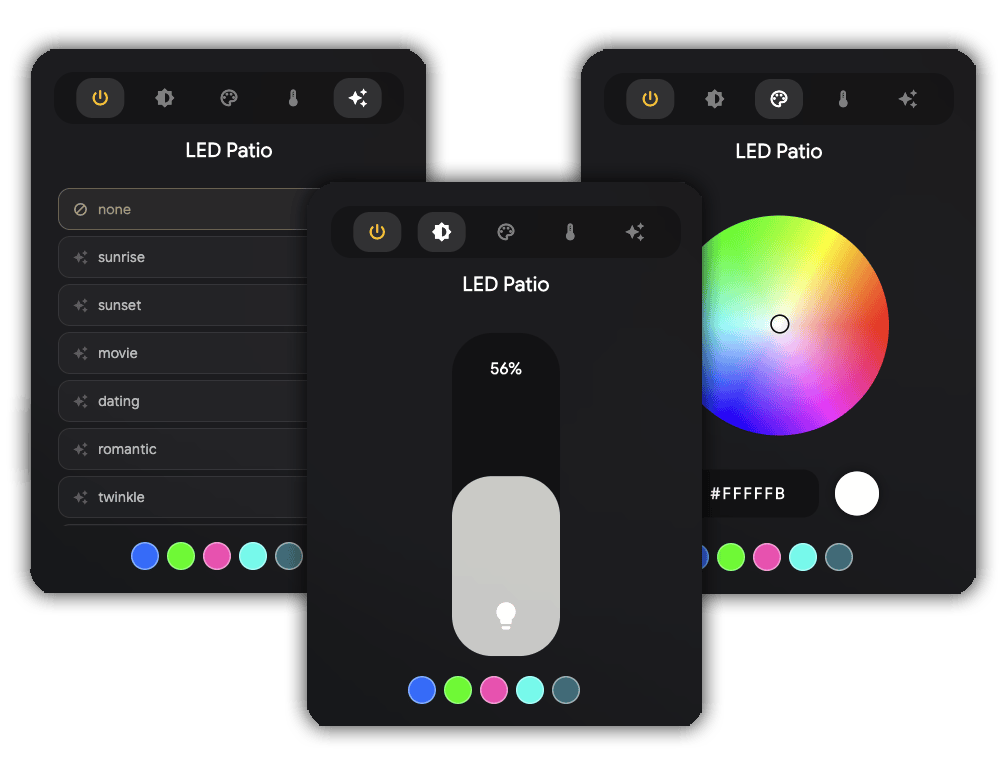
Lights aren't an entity ID. They're a bulb, a strip, a chandelier, a skylight. Aureo renders each fixture differently — real glow geometry, real fall-off, real diode positions.


A Photoshop-style HSV wheel. A warm-to-cool color-temperature slider that shows Kelvin. A vertical
brightness pill tinted to the current light color. Effects from Nanoleaf, Govee, or anything exposing effect_list — discovered
automatically.
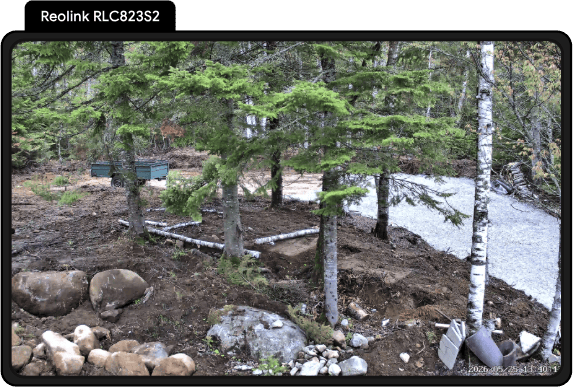
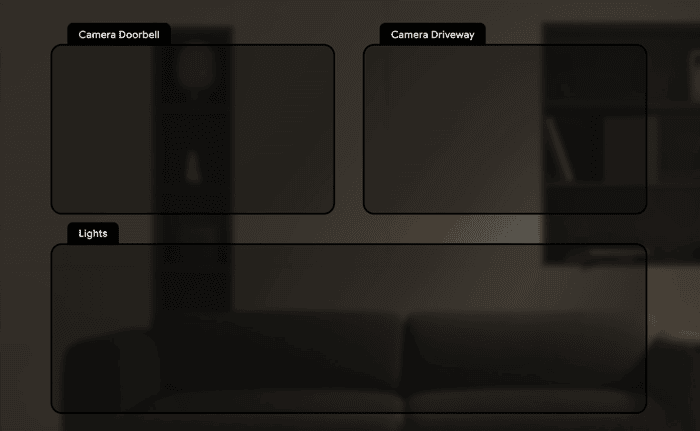
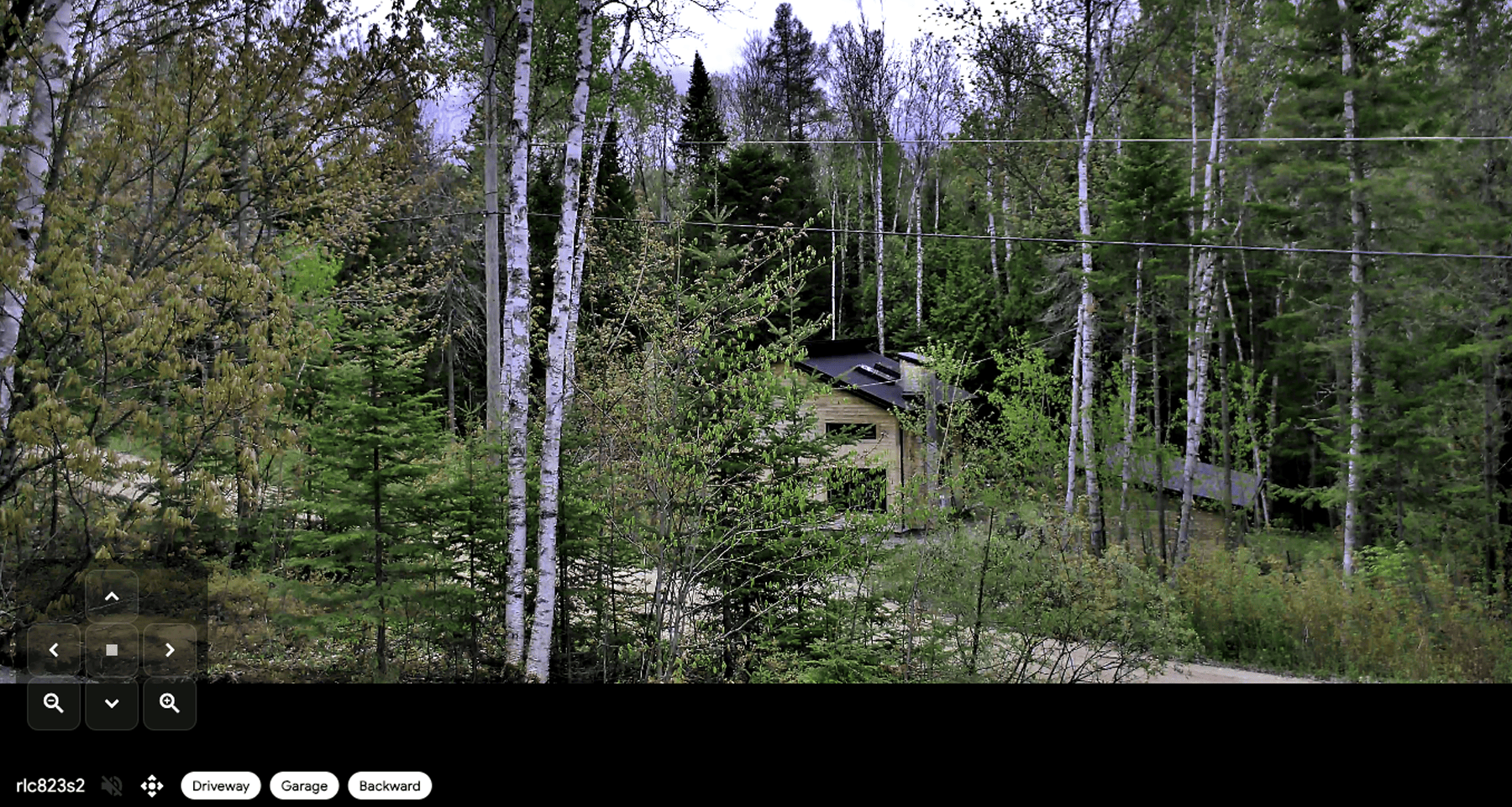
Camera tiles hold the last good frame, switch to full WebRTC on tap, and connect directly to go2rtc — not routed through HA — for the lowest possible latency. ONVIF presets discovered automatically.

Every camera tile polls a live JPEG frame from go2rtc every second. The last good frame stays in memory, so the tile never shows an error and never requires a stable connection to stay visible. Switch it to a full live WebRTC stream right inside the tile — same connection, two renderers.

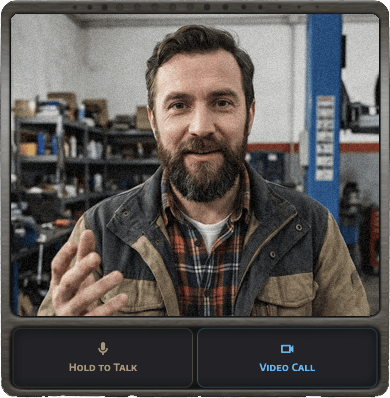
A built-in WebRTC video intercom between every tablet running Aureo on your Home Assistant instance. Peer-to-peer over your local network. Signalling via HA's event bus. No external server.
Most HA enthusiasts don't realise they can have this for free. Doorbird hardware starts at $400. Aureo ships it in software.
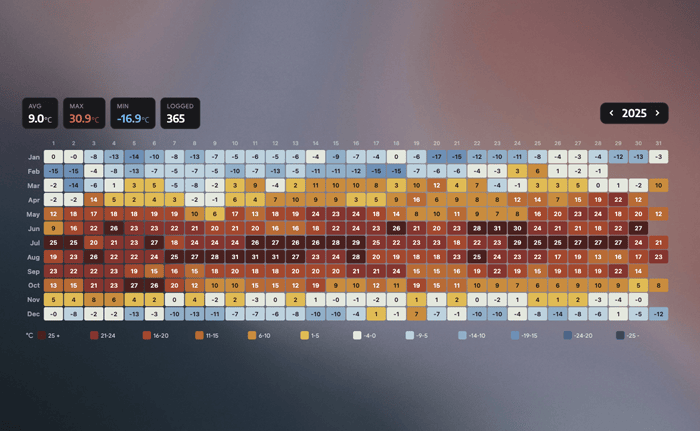
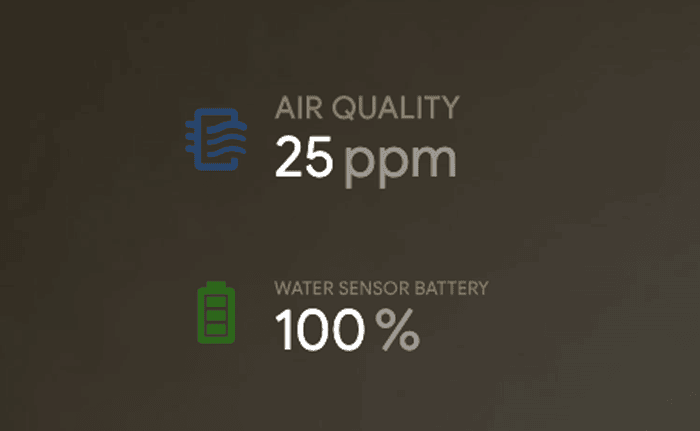
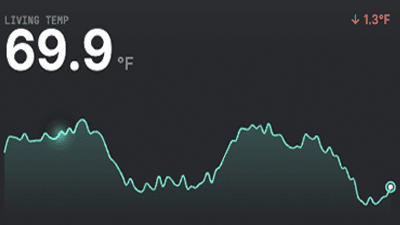
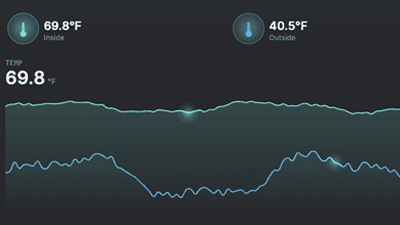
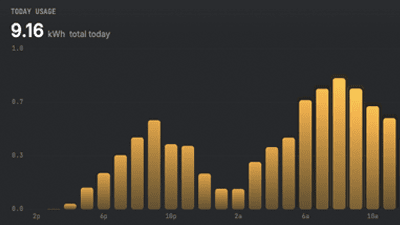
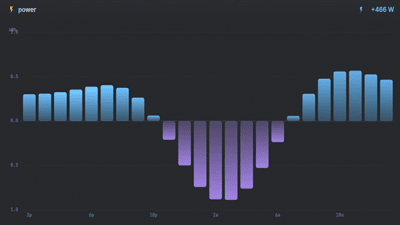
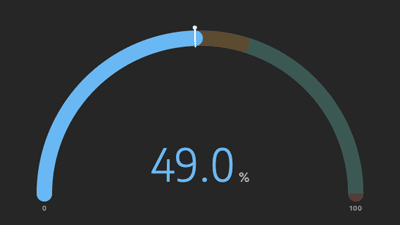
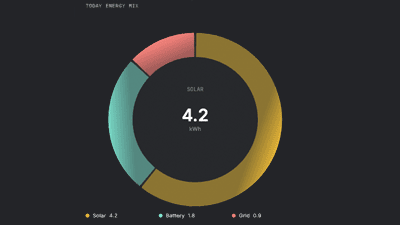
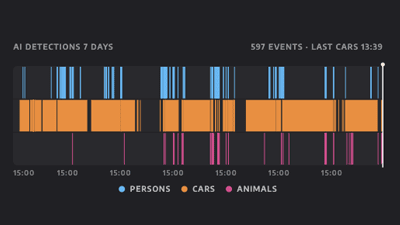
Native sensor visualisation. No Grafana iframe. No Lovelace card embed. Auto-scaling done right — 5th–95th percentile clamping, per-unit minimum span, nice round tick values. Energy meters auto-route to HA's statistics API with hourly deltas.


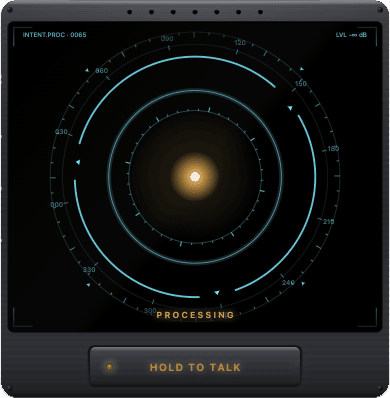
Hold, speak, release. Aureo streams the audio to Home Assistant's Assist Pipeline. Bring your own STT, conversation agent, and TTS.

A row of drilled speaker grille holes along the top edge. A status header reading INTENT.PROC with a live sample counter
and a level meter. A recessed talk button below that visibly depresses when held — the LED inside lights
cyan.
Inside the panel: rotating outer ring, compass with degree labels, dashed targeting ring, radial FFT spectrum, and a breathing core orb. Each pipeline state — idle, listening, processing, speaking — has its own choreography.
Wall-mounted tablets sit a meter from the speaker. Raw mic peaks at −45 dBFS — well below voice-detection threshold. Aureo applies 2.5× software gain with soft-knee saturation so quiet speech registers without loud commands clipping.
On Android, the mic is pre-warmed at widget mount so the first 2–4 seconds aren't lost to AudioRecord warmup. Sample-rate fallback: 16k → 48k → 44.1k → 8k.
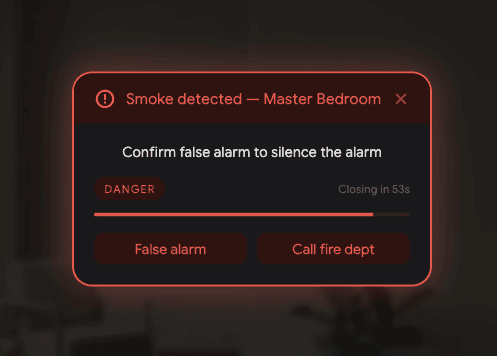
When the doorbell rings, the Kitchen tablet opens the camera. When smoke is detected, every tablet asks for an acknowledgement — and Home Assistant gets the answer back. Eleven commands. One event type. Zero custom integrations to install.
The bidirectional acknowledgement is the headliner. Fire request_acknowledgement from any automation with up to four button labels. The tablet shows
it, the user taps, the answer fires back as aureo_command_ack. wait_for_trigger picks it up. Your automation continues.
Smoke alarm at 3am with “False alarm / Call fire dept” — auto-dial if no human response in 60 seconds. Front door unlocked at midnight with “Acknowledge / Trigger alarm” — auto-arm if no one's home. Bedtime routine: “Kids in bed? Yes / No” — yes turns off the house, no extends bedtime by 15 minutes.
correlation_id field echoed back — match requests to repliesEvery command takes an optional target — a tablet entity, a
friendly name, a UUID, or a comma-separated list. Omit it and every connected tablet responds.
aureo_command_ack.media_player entity.Every tablet publishes itself as a Home Assistant sensor — sensor.aureo_kitchen_tablet, sensor.aureo_living_room. They show up
in HA's automation editor as a real dropdown. Type-and-guess never happens.
Aureo ships a catalog of HA blueprints. Tap “Import to HA” in Settings → HA Events.
Your phone's browser opens the import dialog. HA walks you through the inputs. Save. Done. No YAML edits, no
custom_components, no HA restart.
trigger:
platform: state
entity_id: binary_sensor.front_doorbell
to: "on"
action:
event: aureo_command
event_data:
command: show_camera
target: sensor.aureo_kitchen_tablet
camera: camera.front_doorbell
wake: true
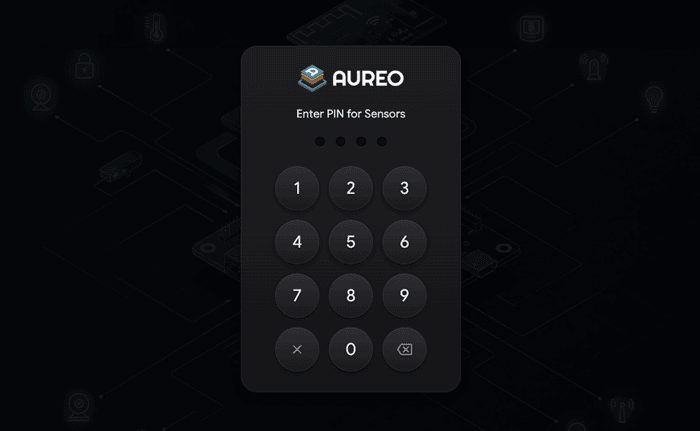
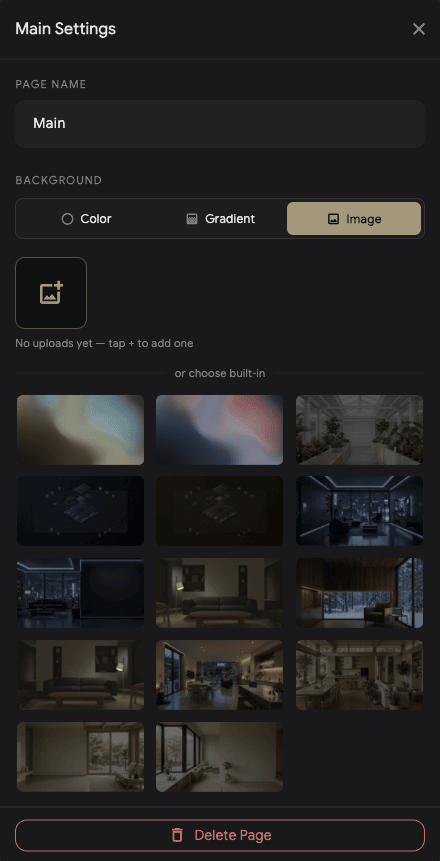
Unlimited rooms, each with its own independent tile layout. Room tabs at the top for instant switching. Per-room PIN locks if you want them — with the Master PIN as your always-available fallback.


Tap Edit. Tiles shake. Drag any tile to any cell. Conflict detection prevents overlap (Section tiles are exempt — they're background layers). Every tile has a gear icon for its own configuration popup.
Aureo talks to Home Assistant on your local network. There's nothing to sync, no data to leak, no servers to crash. We can't read your dashboard. Nobody can.
One WebSocket between your tablet and your HA. That's the whole connection diagram. WebRTC for cameras goes peer-to-peer through go2rtc.
Screen auto-dim uses front-camera luma-difference motion detection. Frames are processed on-device and never stored or transmitted. Or skip the camera entirely and use any HA presence sensor.
Alarm Panel tile is pass-through. The code is sent to HA which validates it against your alarm panel's own configuration. Aureo never holds a copy.
No subscription. No "Pro" tier. No per-device tax. We don't have servers, so we don't have a reason to charge you every month.
Install on every tablet on your Apple ID. Share with up to six family members at no extra cost. All 1.x updates included.
| iPad | iOS 13+ · A12 chip (2018) or newer |
| Android tablets | Android 10+ · 3 GB RAM · Snapdragon 600+ |
| macOS | Active development target |
| Pixel Tablet | Full support |
| Amazon Fire | Sideload APK · no Play Store |
| Home Assistant | Any recent version |
| Long-Lived Access Token | Generated in HA · entered once |
| Cameras (optional) | go2rtc add-on for WebRTC |
| Voice (optional) | Any HA Assist pipeline |
| Account | Not required |
English, German, French, Dutch, Spanish, Italian, Polish, Portuguese (Brazil), Russian, Swedish.